Application Trace
Setting up the application trace
Additional application tracing can be enabled in Web Map Layers 8.0 to return detailed information about the request and response times.
Open the web.config file and add the line:
<trace enabled="true" localOnly="false" />
to the system.web section.
Typically this will be:
	<machineKey validationKey="26777319.........
	<trace enabled="true" localOnly="false" />
</system.web>
Viewing the application trace
To view the application trace use a url in the following form:
http://server/webmaplayers8/trace.axd
Using the supplied installation this would be http://localhost/webmaplayers8/trace.axd.
Note: You should refresh the trace.axd page when you go from the Admin page to the Map page to ensure the information shown is current.
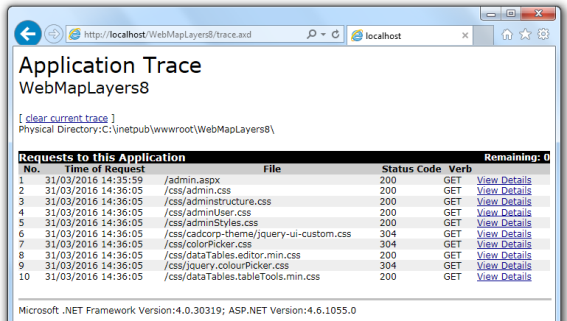
The Application Trace dialog will be displayed:
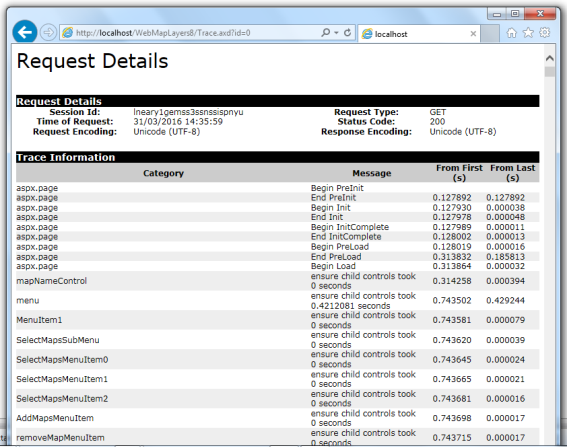
Click on View Details in the Application Trace dialog to see details of each request:
Send comments on this topic.