 Search Tips
Installing the SIS Archive Manager
- Visit the Downloads page
 on the Cadcorp website.
 - Click SIS Archive Manager to run or save the installer. exe or SIS Archive Manager 9.1.xxxx.64.exe. You will find the installer under Applications.
- The xxxx field in the filename indicates the minor version number.
- Double-click the .EXE to begin installation.
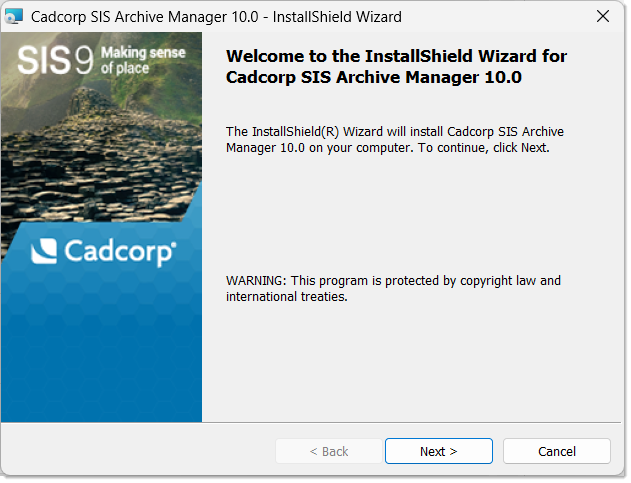
- After launching the .exe, you will see this welcome screen. Click Next to begin.
Installation
- Ensure you have 'Administrator' rights to install software on your PC.
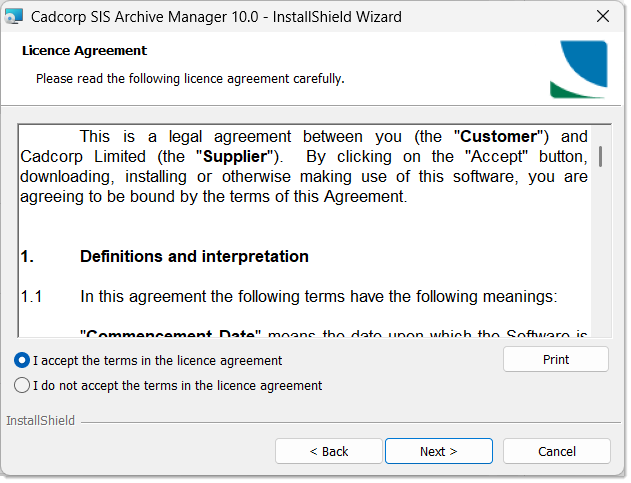
- Take a moment to read through the Licence Agreement. Click Agree to proceed with installation.
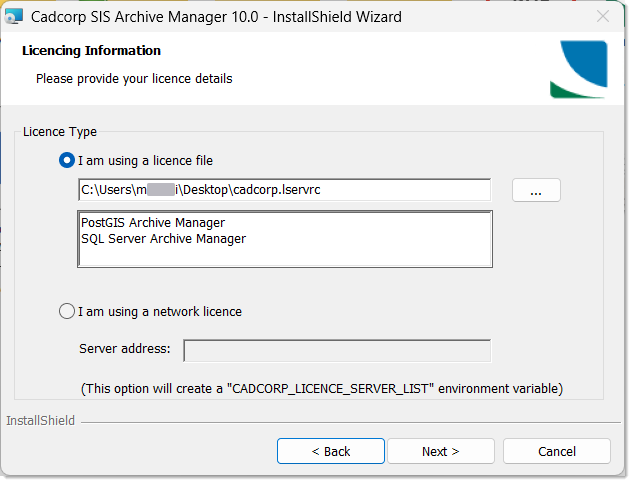
- Click Next to open the License File window. Click the ... button to browse to the location of the licence file. Your licensed products are shown in the main pane. Click Next.
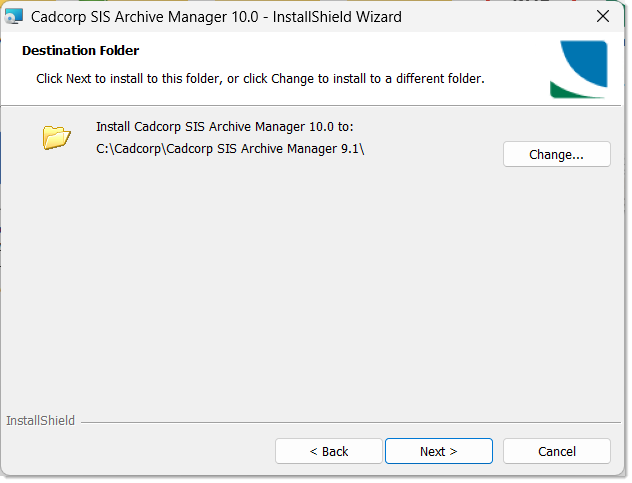
- SIS Archive Managerwill be installed in your default Program File folder. Click the Change button to specify a different destination folder else click Next.
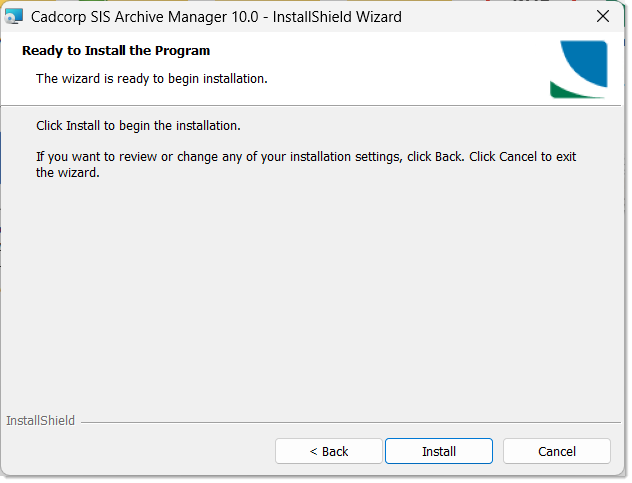
- Click Install to begin installation.
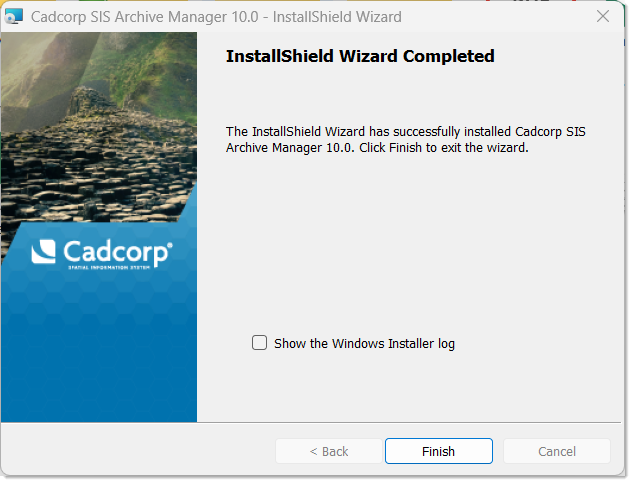
- Click Finish when installation is complete.
TIP: If using a Network Licence, ensure the following local environment variable exists: CADCORP_LICENCE_SERVER_LIST. Set the value to point to the Cadcorp network licence server.