 Search Tips
Flexible Grid
Flexible Grids offer more freedom to move the grid cells around and options to place the plot on a page.
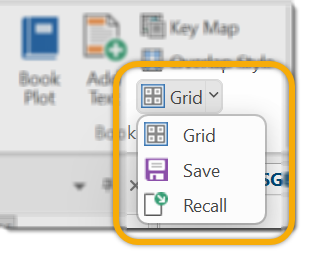
From the Applications tab, select Grid > Grid.
Select Flexible Grid
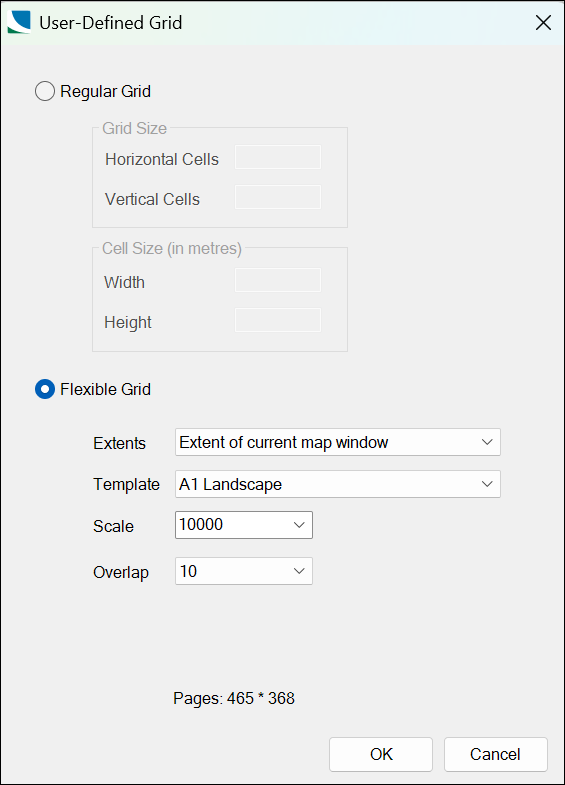
Extents
Extent of current map window
A grid is created over the extents of the current map window.
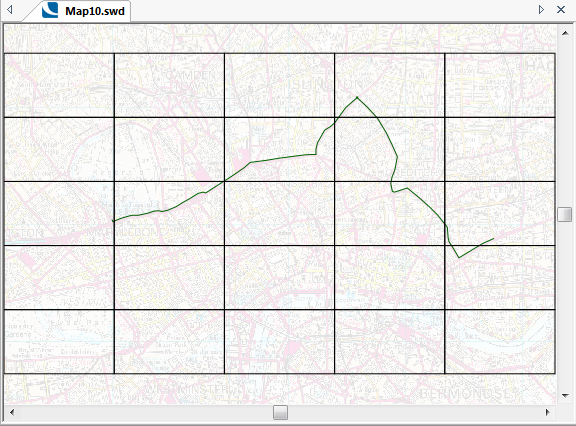
The grid cells can then be moved around in SIS Desktop so that they no longer form a regular grid, for example:
Extent of selected items
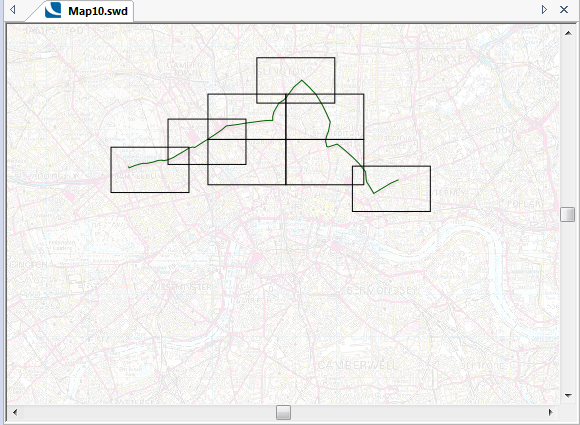
A grid will be created over the extents of the currently selected item(s):
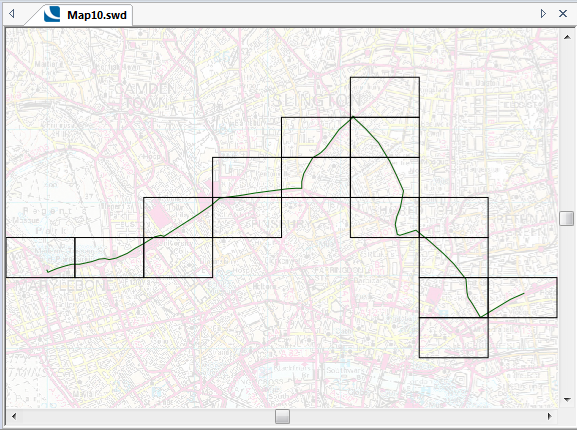
The grid cells can then be moved around in SIS Desktop so that they no longer form a grid, for example:
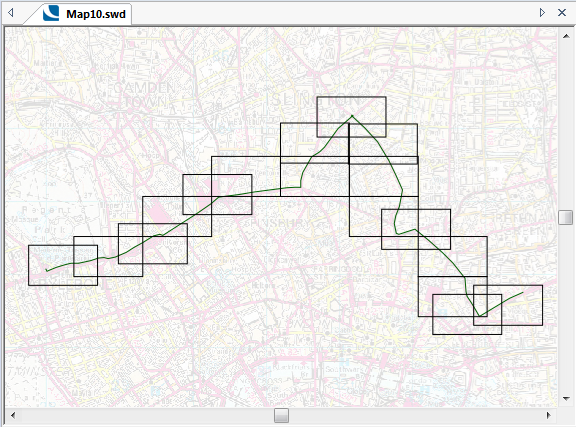
One page per item
A one-page grid will be created over the extents of the currently selected item(s).
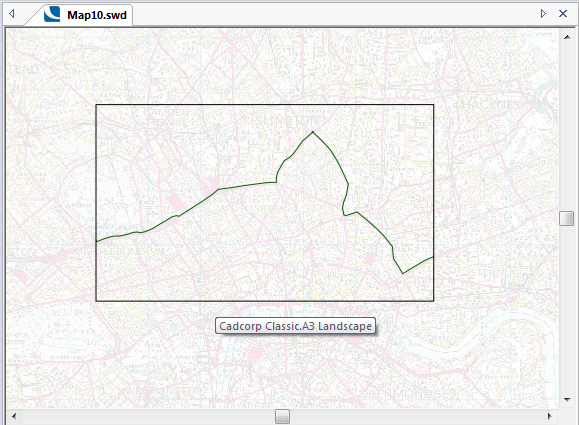
The plot is output on a single page.
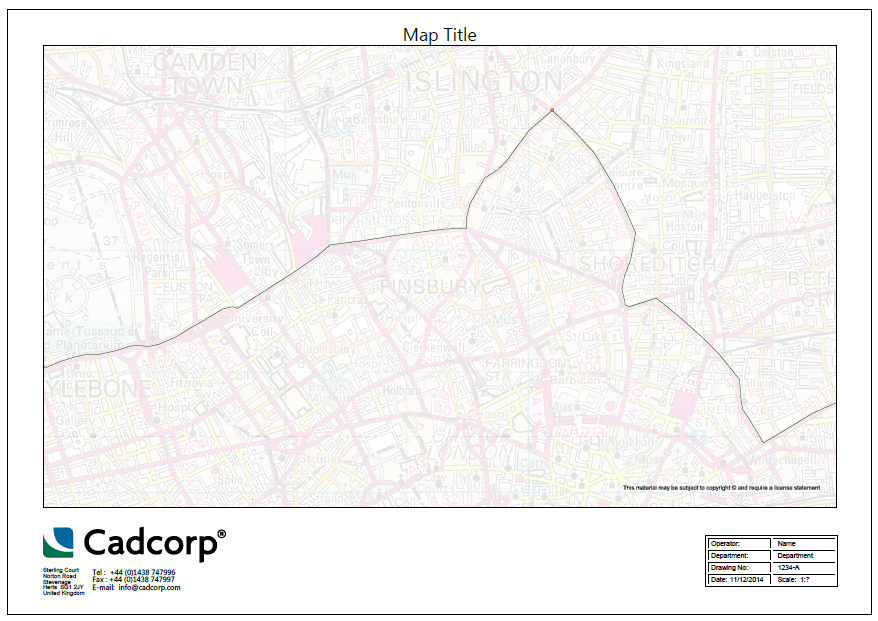
Template: Choose the template to use for the plot. See About Print Templates 
Scale: Choose the scale to use for the plot. See What is Scale?
Overlap: Choose the size of the Overlap from the drop-down list.