 Search Tips
Installing Book Plotter
Book Plotter extends the functionality of SIS Desktop and is offered as a free add-in..
Where to find the installation files
- Visit the Downloads page
 on the NEC website.
 - From the Add-ins menu, select the correct version of Book Plotter 9.1; this depends on the version of SIS Desktop you have installed.
- To check this, open SIS desktop and select View > About > Product.
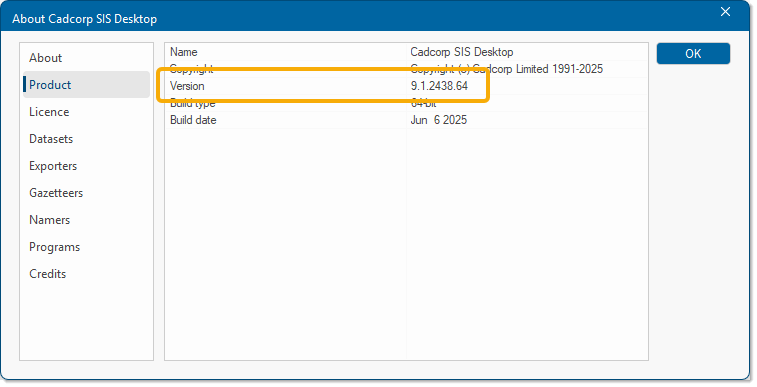
- Now based on the desktop version, select either 32-bit or 64-bit of the add-in and click Download.
- Double-click Cadcorp Add-In Book Plotter 9.1.xxxx.32 (or64). exe to begin installation.
Note: The xxxx field in the filename indicates the minor version number.
Installation Procedure
- Ensure you have 'Administrator' rights to install software on your PC.
- After launching the .exe, you will see this welcome screen. Click Next to begin.
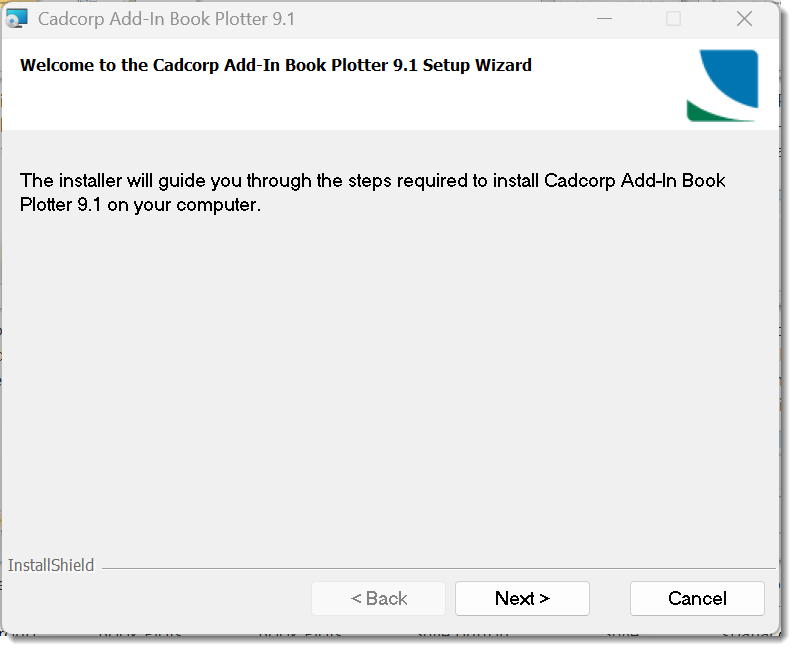
- Click Next again to launch the installation wizard.
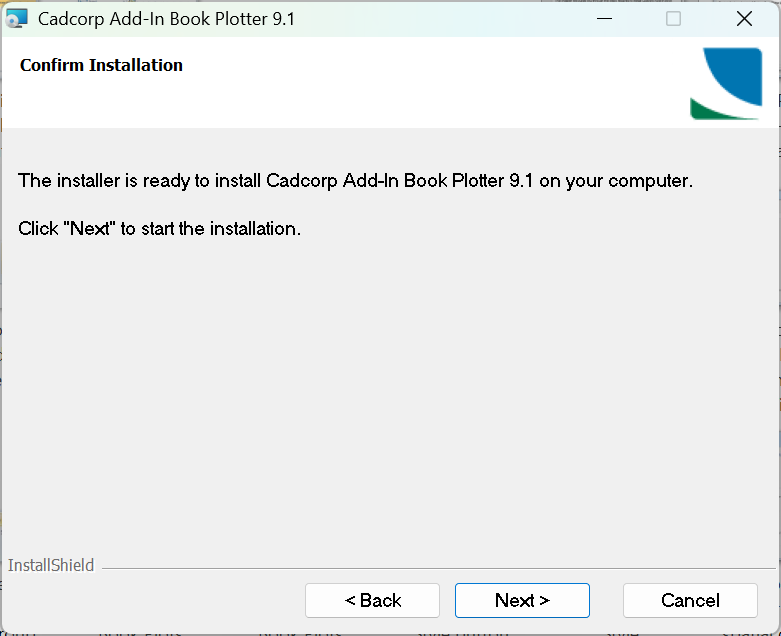
- You will see a confirmation screen when Book Plotter has been installed successfully. Click Close.
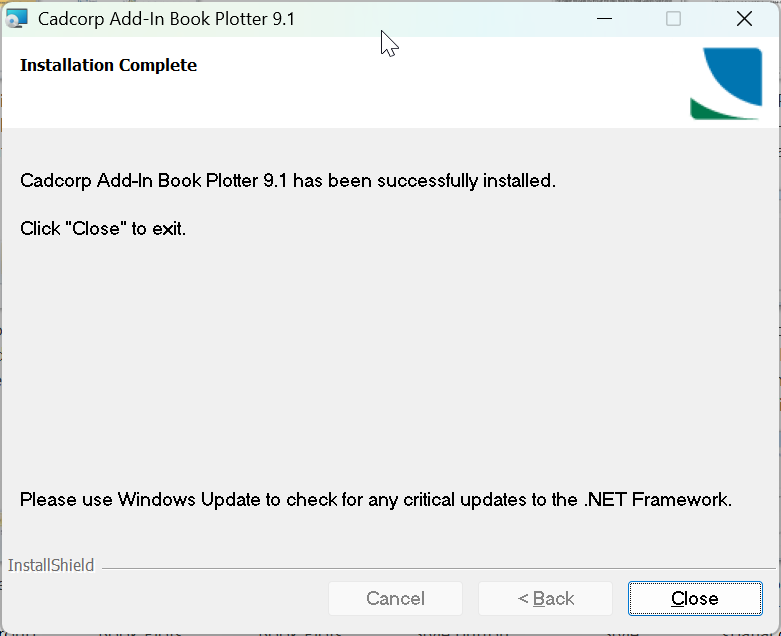
- Once installed and running, options are added to the SIS DesktopApplications tab to create book plots, print templates and user grids.
Note that Book Plotter is designed to extend the functionality of SIS Desktop. You cannot access this application unless your system is running a licensed copy of SIS Desktop.