Maps
All maps served out using GeognoSIS Manager are displayed on this page. You can also edit, remove or change maps from here.
Maps are SWDs which can be used as services or accessed as read-only with the HTTP API.
Select Instance > View > Maps. Use the toggle view button  to switch between Tile and List views.
 1. Add a New Map
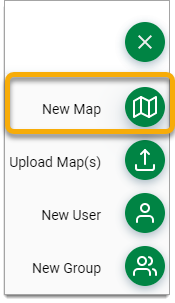
Click the action button and select New Map.
Set the Map Properties in the next screen.
- Specify the SWD file path by typing it in.
- Enable the Preload option to load the map on startup for future use.
- Enable one of the available services.
Alternatively you can use the Upload Map option- Upload makes a copy of the map in the GeognoSIS folder (which also implies the overlays the SWD contains are accessible to GeognoSIS). Be aware of paths for file-based overlays or user accounts for database based overlays.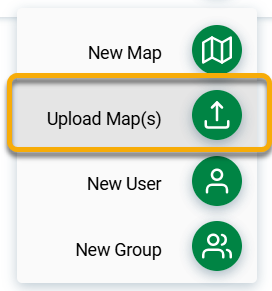
Click Submit to create the map.
2. View a map
To see what is contained in a map, click View. The preview allows you to zoom in and out of the map.
For more information, click the drop-down arrow for details on load time, EPSG code and more.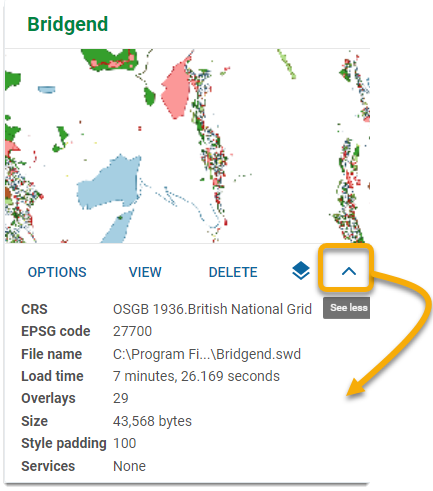
3. Edit a map
Click Options to edit the map’s details.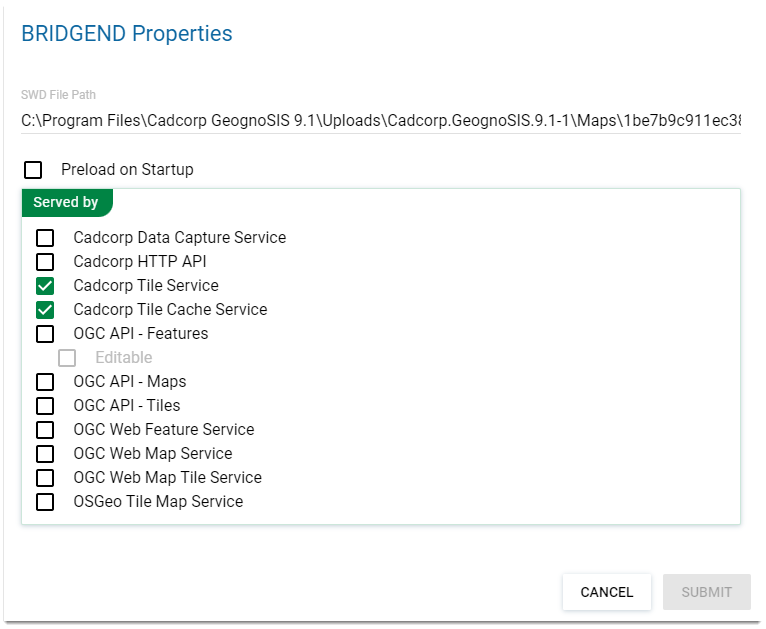
Use this window to:
-
Change the SWD file or loaction.
-
Enable pre-load.
-
Enable services for the map.
4. Delete a map
Simply click the Delete icon  to remove a map from your instance.