Each overlay can have some descriptive text associated with it.
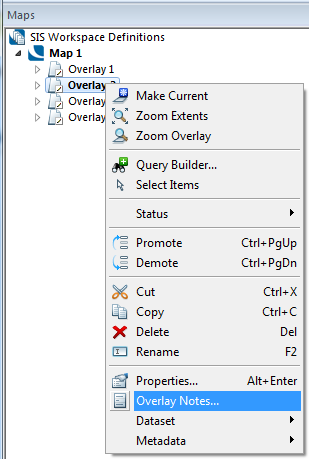
You can create notes for an overlay, or edit existing ones, by either of these methods:
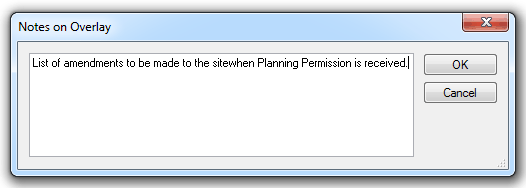
You can then type the notes required in the resizeable Notes on Overlay dialog:
and click OK.
The overlay notes are saved with the SWD and are not attached to the dataset itself.
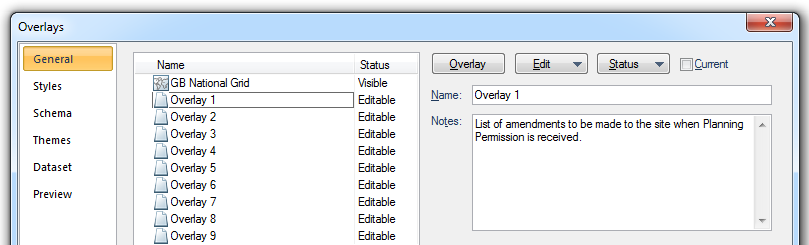
Each time you select the overlay on the General tab of the Overlays dialog, you will see the notes displayed.
Send comments on this topic.
Click to return to www.cadcorp.com
© Copyright 2000-2017 Computer Aided Development Corporation Limited (Cadcorp).