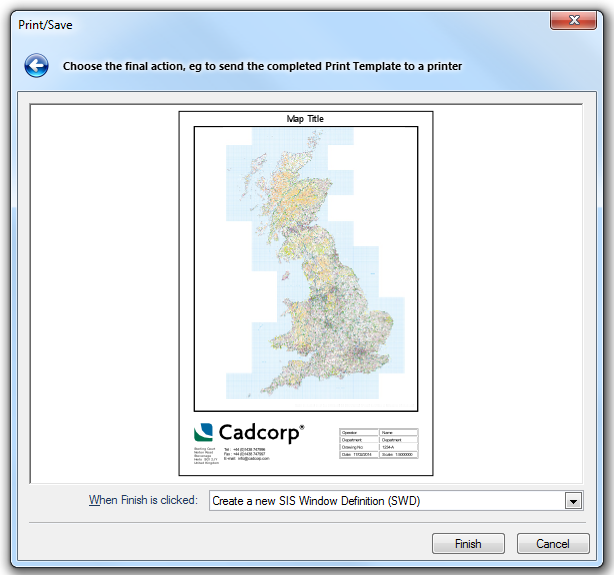
When you have specified the parameters for your template (title bar text, key map, theme legend, scale bar, north point, map frame grid, and graticule), you will see the Print/Save dialog:
Select the option you require from the When Finish is clicked drop-down list:
Create a new SIS Workspace Definition (SWD) - in this case a new window is created containing the template, which you can edit and/or save. This window can then be printed using Print [File-Print].
Save as an Adobe Portable Document Format (PDF) file - save as a PDF file.
Print to the current default printer - allows you to print the template now.
Click Finish.
Send comments on this topic.
Click to return to www.cadcorp.com
© Copyright 2000-2017 Computer Aided Development Corporation Limited (Cadcorp).