 Search Tips
User Interface
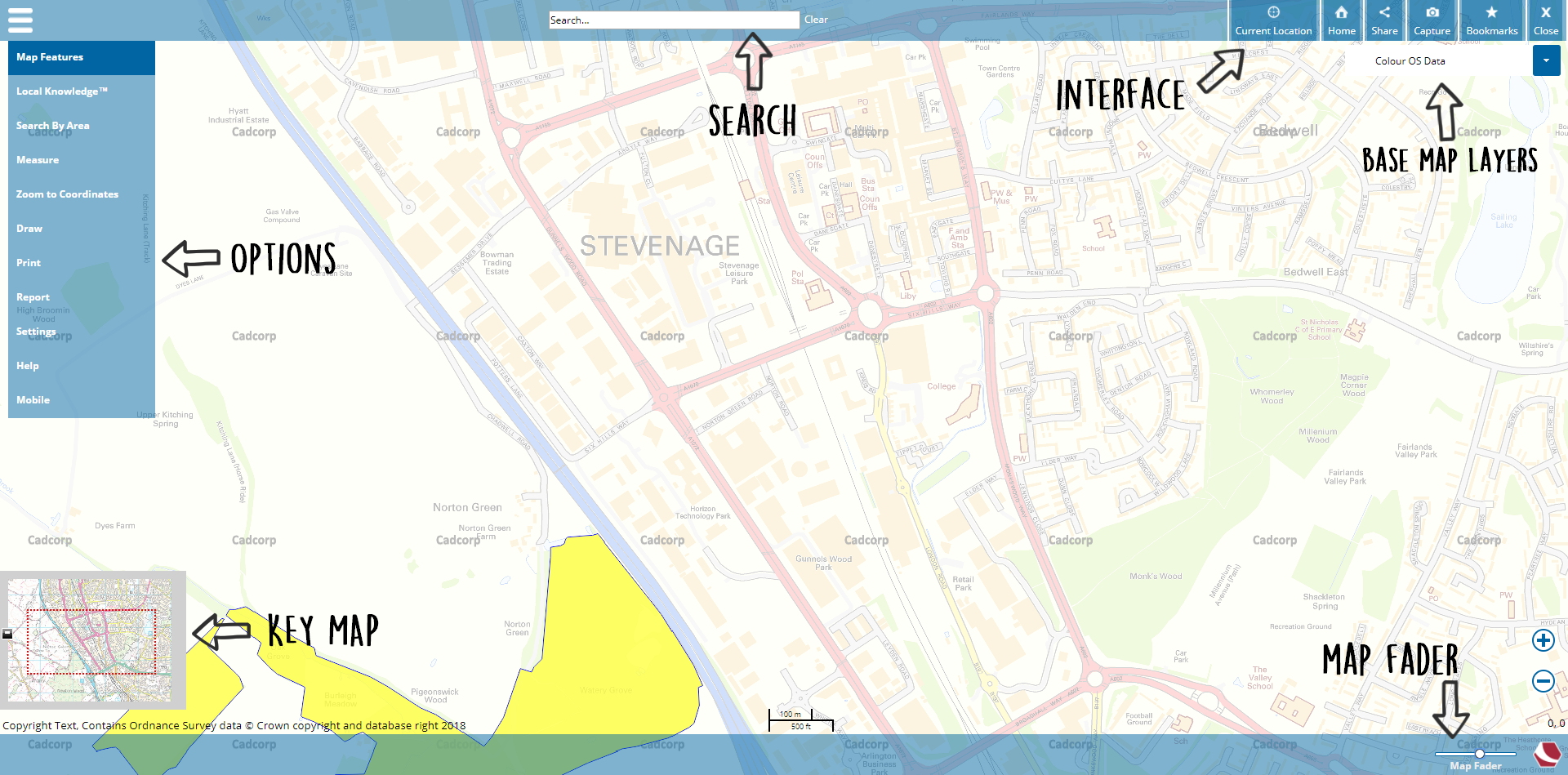
The user interface has been specifically designed to enhance your map viewing experience.
All options including the main menu are discreetly placed around the edges of the screen and the Key Map View window can be switched off when not in use.
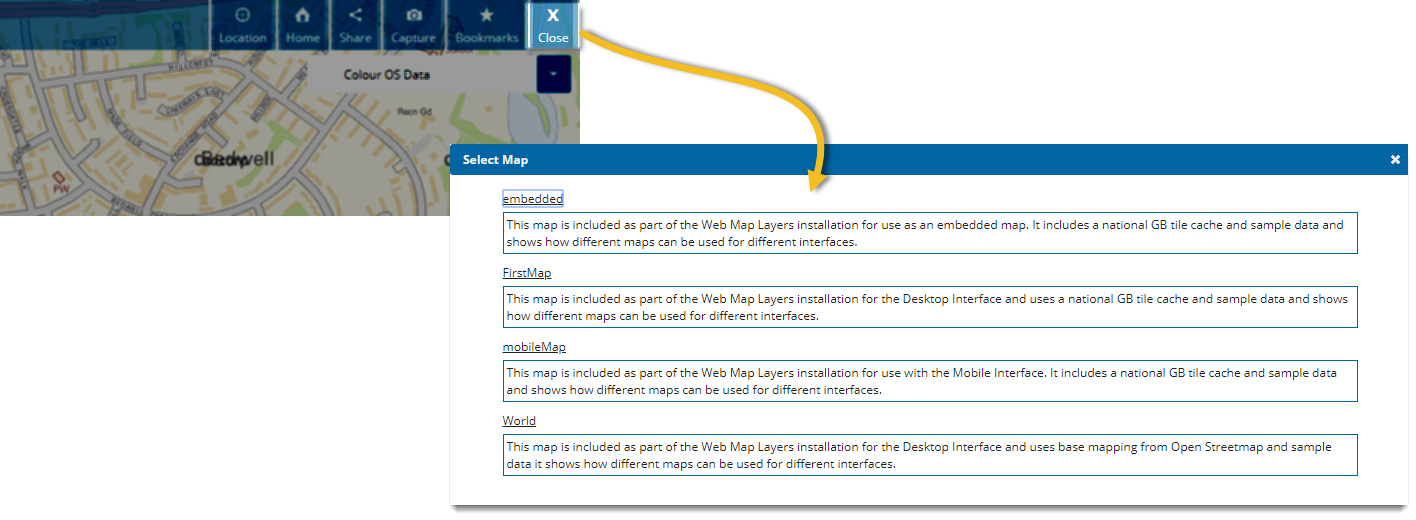
An optional Close button is visible if your Administrator has enabled it.
Click Close to exit the current map and see a list of other available maps.
See also Map Controls  You can enable the Close button for users ONLY when using Anonymous Authentication.