 Search Tips
Settings
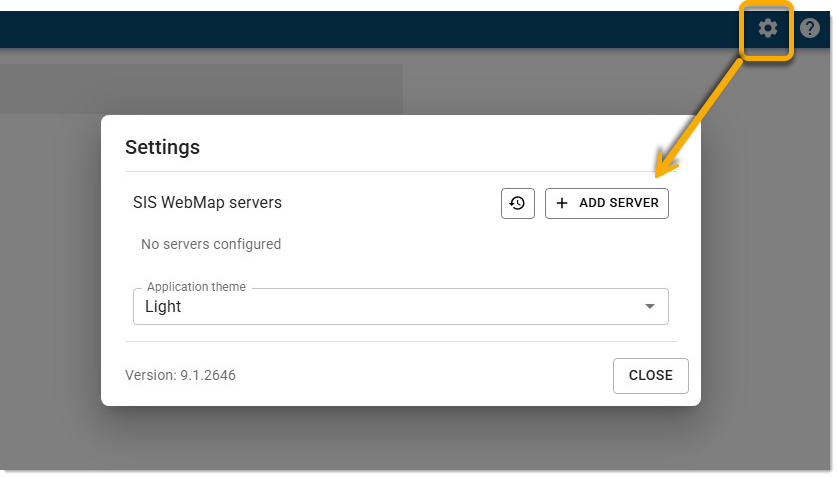
WebMap Servers
- Click Add Server to add a new connection. You can add more than one connection. This is useful for Mapestry tools that support maps (SIS WebMap and Side Text) where you can choose from a list of servers that contain the appropriate maps.
- Click Edit
 to change the URL you provided during installation.
 - Click Delete
 to change the URL you provided during installation.
 - Click Restore Default Server
 to remove all configured servers and restore settings to the initial default server (if one was entered during Mapestry installation).
Theme
Use a Light or Dark theme for the Mapestry interface. Select a theme from the drop-down menu.