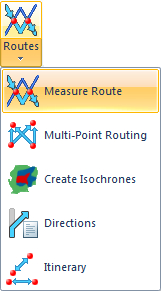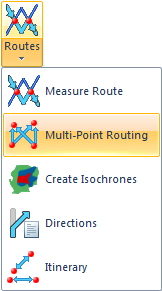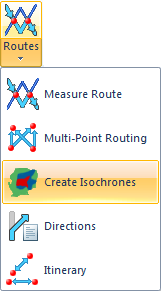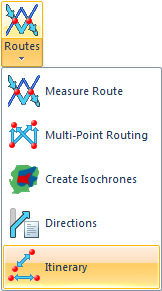
Routing Tools is designed extend the functionality of Map Modeller and Map Editor. Once installed and running, additional options are added to the Applications tab to support routing operations on topological items held in SIS.
Note: Routing Tools is not available in Map Manager.
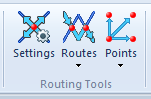
The Routing Tools commands are located in the Routing Tools group within the Applications tab:
The Routing Tools commands are as follows:
Principally for defining routing expressions and No go areas.
Finds the lowest cost route (shortest, quickest, etc.) from a start position to an end position.
Creates a matrix of travel costs (e.g. time or distance) between a set of From points and a set of To points.
Output is in CSV format and, optionally, as an overlay.
Isochrones show what part of the network can be reached from selected locations within a defined cost. Multiple isochrones can be created from multiple points.
Generates a set of route directions for the route of minimum cost between two positions.
Calculates the route between a series of points.
Finds routes from a single point to all points on a selected overlay. Use with 'Straight Line' to create spider diagrams.
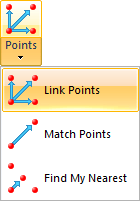
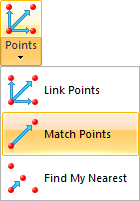
Find routes between points which are matched on the basis of an attribute.
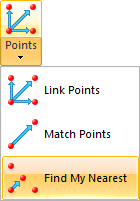
Finds on a specific overlay the item nearest to the nominated position as defined by the routing expression.
Send comments on this topic.
Click to return to www.cadcorp.com
© Copyright 2000-2017 Computer Aided Development Corporation Limited (Cadcorp).