When a topological network has been created, or even during its creation, it is useful to display route information such as one-way streets and junction restrictions. A Topology Theme is provided for this purpose.
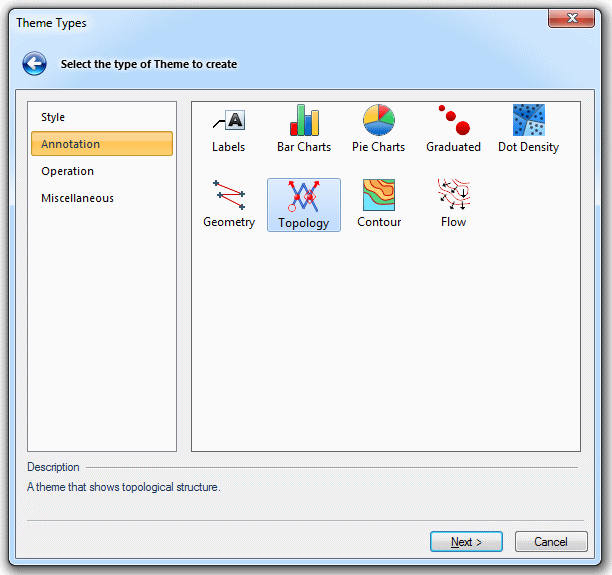
Select Add Theme [Home-Map] to display the Theme Types dialog:
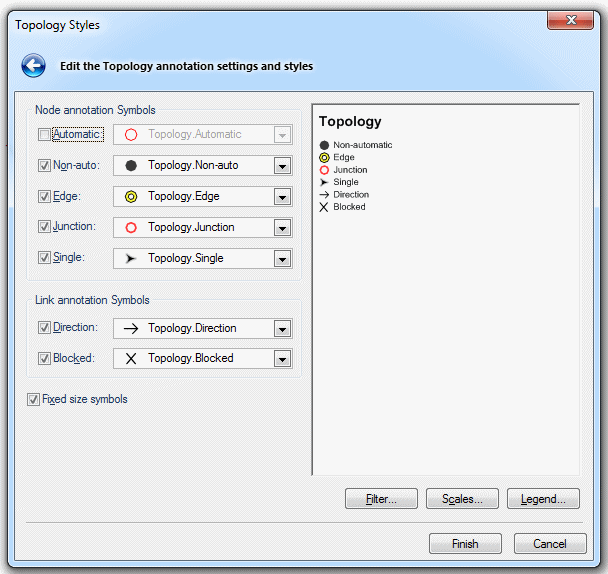
Go to the Annotation tab and select the Topology theme and click Next. You will then see the Topology Styles dialog enabling you to set the symbology for the network:
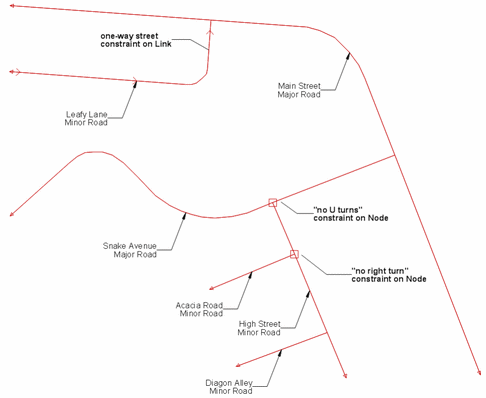
The road network, shown in Creating a Topological Road Network, will now appear like this:
Send comments on this topic.
Click to return to www.cadcorp.com
© Copyright 2000-2017 Computer Aided Development Corporation Limited (Cadcorp).